---
marp: true
theme: gaia
paginate: true
backgroundColor: #fff
header: "Web Engineering – DHBW Stuttgart"
footer: "Michael Czechowski – SoSe 2026"
---
# Web Engineering
**DHBW Stuttgart** · Informatik / Wirtschaftsinformatik
**Sommersemester 2026** · Sitzung 4 — Node.js: Scripting, Running and Building
---
# Inhalt
1. Node.js: was und warum
2. `node --check`, `node -e` (One-Liner)
3. Module: `require` / `import`, `__dirname` / `__filename`
4. HTTP-Server (built-in)
5. `fs` — Dateien lesen / schreiben
6. `package.json` — Aufbau und Lifecycle
7. npm Scripts
8. Module exportieren
---
# Node.js – Scripting, Running and Building
---
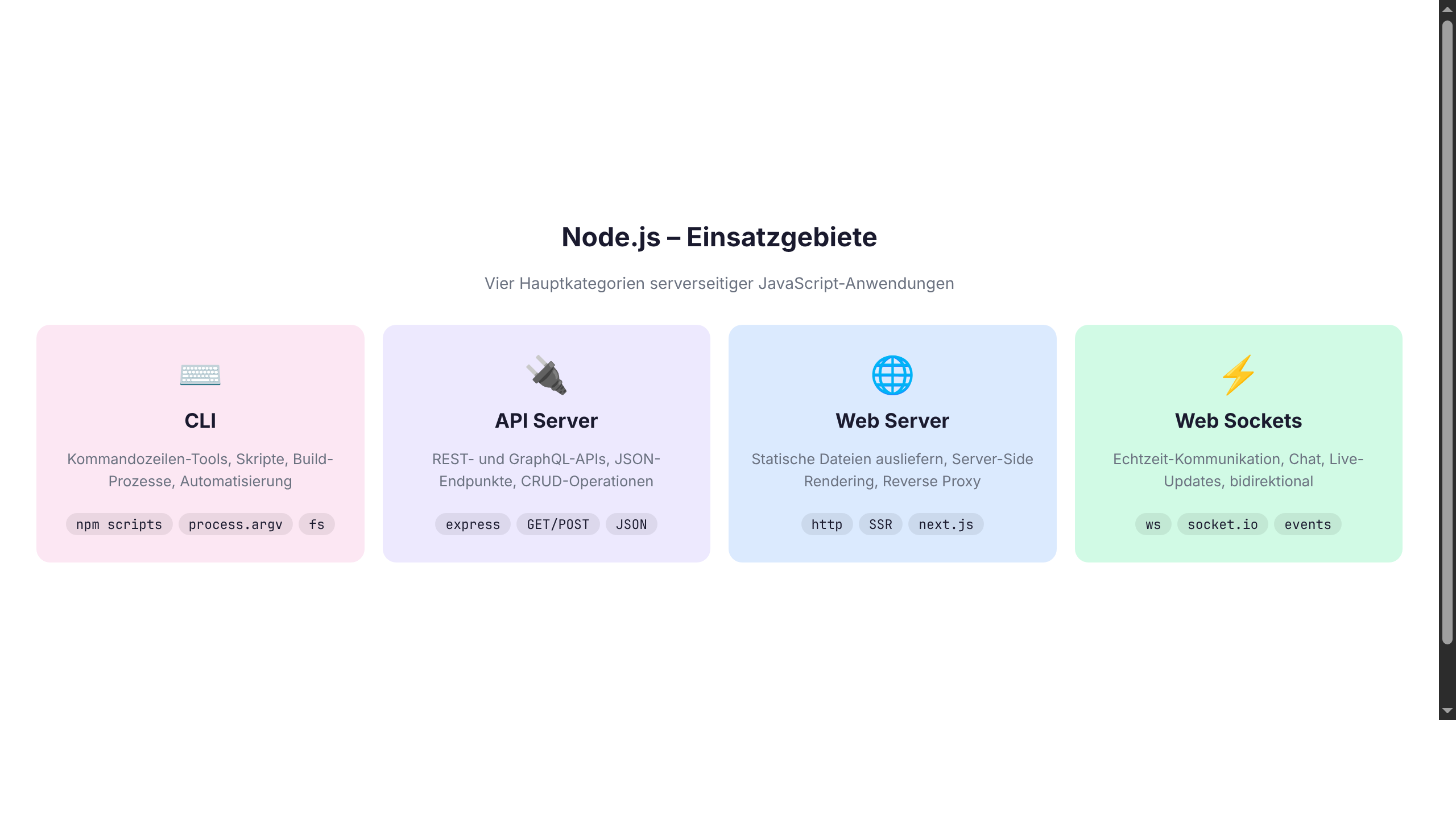
# Node.js – Was ist das?
- JavaScript Runtime (V8 Engine)
- Server-side JavaScript
- npm Package Manager
- Ideal für: APIs, CLI Tools, Automation
---
---
# node --check und node -e
```bash
# Syntax check only
node --check script.js
# One-liner
node -e "console.log('Hallo Welt')"
```
---
# node -e Beispiele
```bash
# String
node -e "console.log('Hello ' + process.argv[2])" Welt
# File reading (ESM via --input-type)
node --input-type=module -e \
"import { readFileSync } from 'node:fs'; \
console.log(readFileSync('data.json', 'utf8'))"
# JSON parsen
node -e "console.log(JSON.parse(process.argv[1]))" '{"a":1}'
```
---
# Module laden – ESM (modern)
`"type": "module"` in `package.json` einschalten.
```javascript
// Eigene Datei (Endung .js erforderlich!)
import { add, greet } from "./utils.js";
// npm Modul (default + named import)
import express from "express";
import { Router } from "express";
// Built-in (mit "node:"-Präfix)
import { readFileSync } from "node:fs";
import { join } from "node:path";
```
**Legacy CJS:** `const express = require("express")` — funktioniert noch, aber ESM ist heute Standard.
---
# Pfad-Auflösung in ESM
```javascript
import { fileURLToPath } from "node:url";
import { dirname, join } from "node:path";
const __filename = fileURLToPath(import.meta.url);
const __dirname = dirname(__filename);
const configPath = join(__dirname, "..", "config.json");
```
In ESM gibt es **kein** automatisches `__dirname` / `__filename` (anders als CJS). Über `import.meta.url` rekonstruieren.
---
# HTTP Server mit Node.js (Built-in)
**ESM** (modern, `"type": "module"` in `package.json`):
```javascript
import { createServer } from "node:http";
const server = createServer((req, res) => {
res.writeHead(200, { "Content-Type": "text/html" });
res.end("Hallo Welt!
");
});
server.listen(3000, () => {
console.log("Server läuft auf Port 3000");
});
```
**CommonJS** (legacy): `const http = require("http");` — funktioniert noch, aber neue Projekte nutzen ESM.
---
# fs – Dateien lesen/schreiben
```javascript
import { readFile, readFileSync, writeFile } from "node:fs";
import { readFile as readFileAsync } from "node:fs/promises";
// Promise-API (empfohlen, modern)
const data = await readFileAsync("data.json", "utf8");
console.log(JSON.parse(data));
// Callback-API
readFile("data.json", "utf8", (err, data) => {
if (err) throw err;
console.log(JSON.parse(data));
});
// Sync (nur für Setup / Scripts)
const content = readFileSync("data.json", "utf8");
```
---
# package.json – Das Herzstück
```json
{
"name": "mein-projekt",
"version": "1.0.0",
"main": "index.js",
"scripts": {
"start": "node index.js",
"dev": "node --watch index.js",
"test": "node --test"
},
"dependencies": {
"express": "^4.18.0"
},
"devDependencies": {
"nodemon": "^3.0.0"
}
}
```
---
# npm Scripts
```bash
# npm run